Make a wishlist. Share the link. Get your gear.
Stop describing the keyboard you want in a Slack thread. Add the exact products you need and send your manager a single page they can act on.
Free forever. No account, no company setup.
Maya’s setup wishlist
Public link
 €429
€42927" 4K monitor
display-store.com
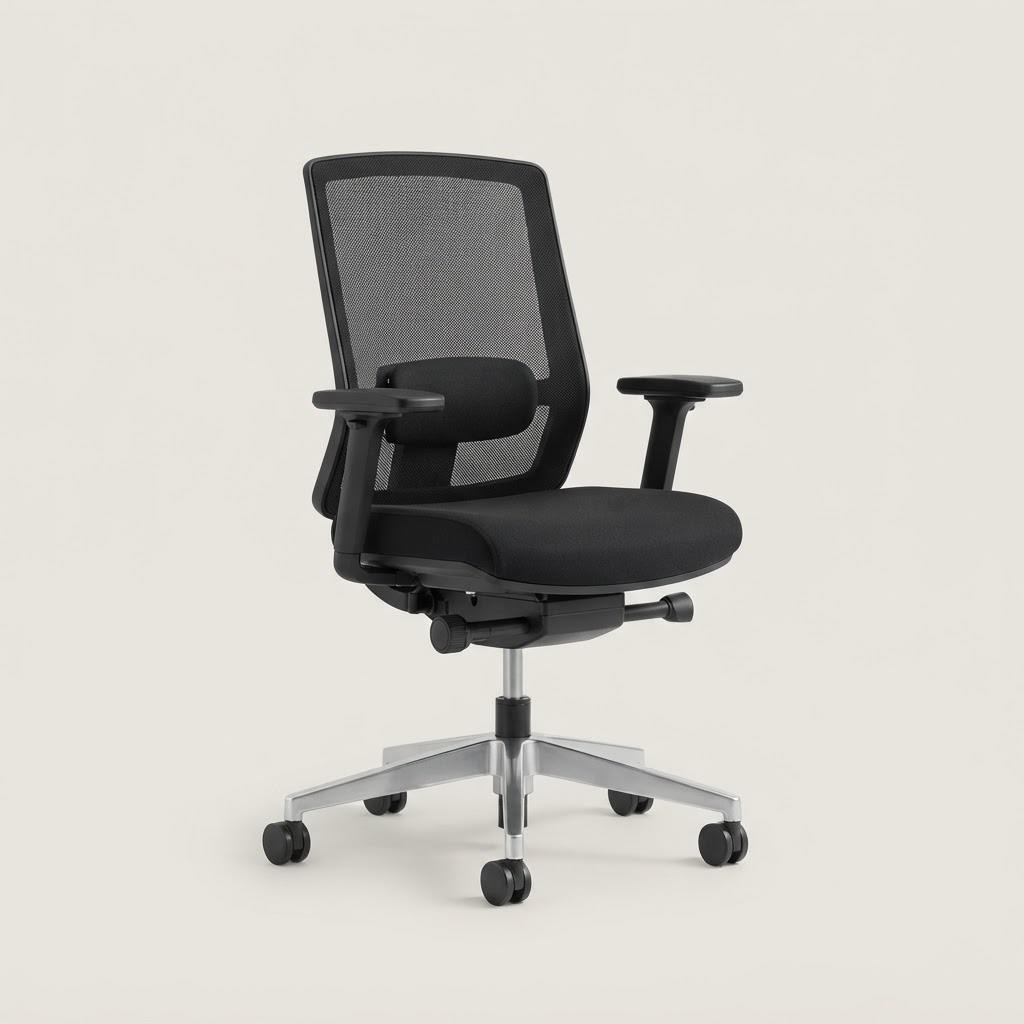 €389
€389Ergonomic mesh chair
seating.co
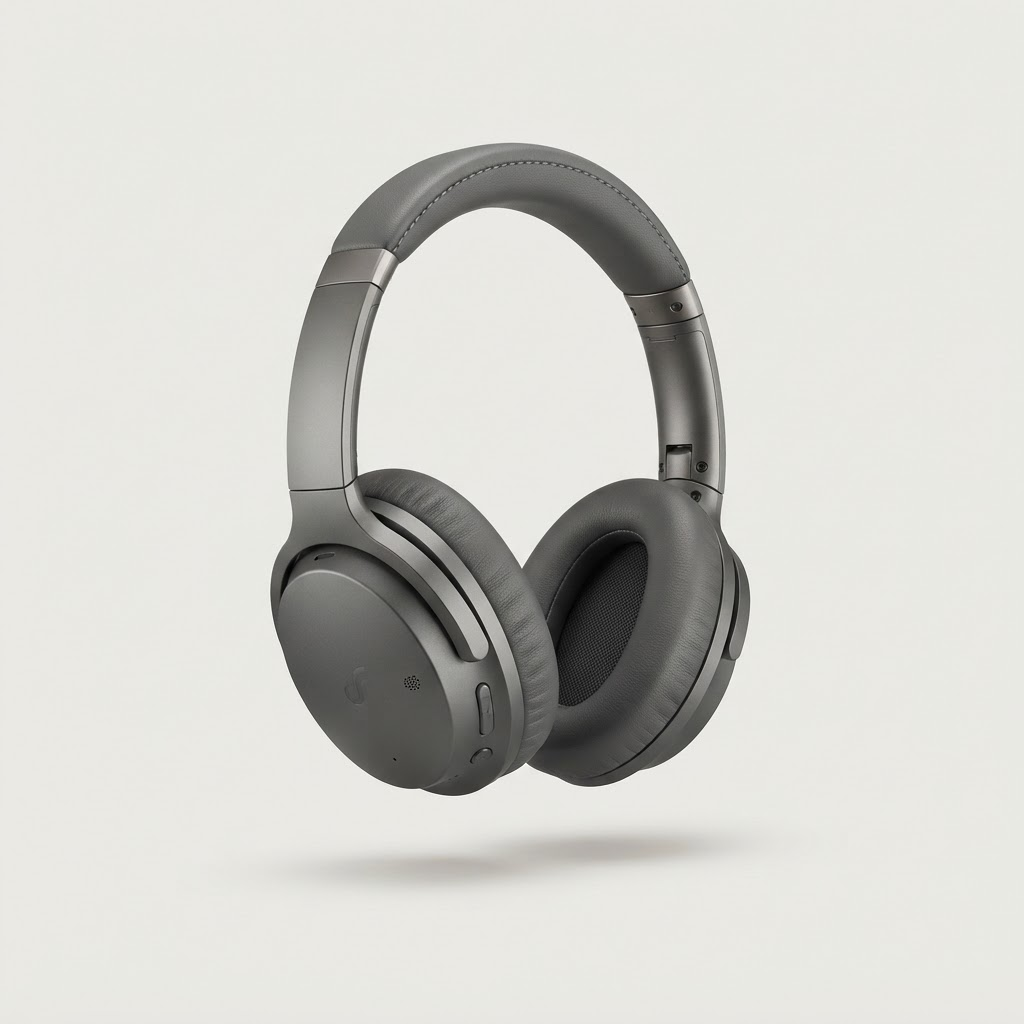 €279
€279Noise cancelling headphones
audio-shop.com
- Paste a product link
Note for my manager
Working from home three days a week — the monitor and chair make the biggest difference.
Three steps, about four minutes
- 1
Add products by link
Anything from any store. We pull in the title, image, and price so your manager sees exactly what you mean.
- 2
Add useful context
Add a short note explaining why this equipment would help.
- 3
Share one link
Send it in a message or drop it in your 1:1 doc. Your manager can approve or comment without signing up.
Why people like it
You choose the actual product
Not the closest match in a generic catalog. If it has a URL, it can go on your list.
No awkward asking
A list with prices and reasons is easier to say yes to than a vague request.
Works before your company signs up
Public wishlists need no account. If your company joins later, your list carries over.
Know your budget
If your company set an allowance, you see what is left as you add items.

Questions employees ask
Do I really not need an account?
Correct. Create a list, get a private URL, and share it. If you want to edit it later from another device, you can add an email to claim it.
Can my manager see the prices?
Yes. Every item shows the current price from the store link, and the list shows a running total.
What if the product is out of stock?
We flag items whose link breaks or goes out of stock so nobody approves something they cannot buy.
Who owns the equipment?
By default the company does, but companies can turn on a keep-on-leave option so you can keep or buy your gear at its residual value.
Your setup, your picks
Build a wishlist in a few minutes and share it today.